Circle Crop Image Tool
Transform your photos into perfect circles with transparent backgrounds. Essential for Instagram, LinkedIn, and TikTok profiles. Batch processing included.
Upload Profile Photos
JPG, PNG, WebP, HEIC
Auto-center & Batch Mode
Ready!
Your circular images are ready to download.
Why use a Circle Image Cropper?
How to make a Round Profile Picture Online?
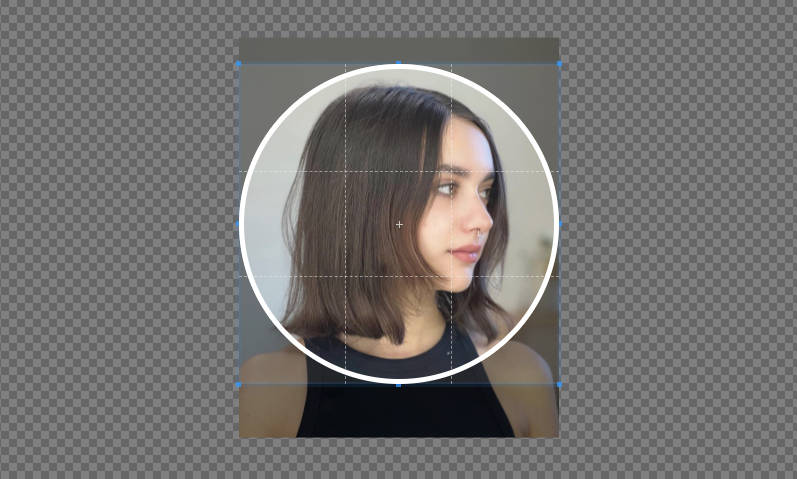
- Upload: Drag your photo into the circle cropper.
- Adjust: Drag the circle to center your face. Use the Brightness slider to improve lighting and Flip tools to fix selfie orientation.
- Download: We generate a transparent PNG file that fits perfectly on any background.
Why Do You Need a Circle Profile Image?
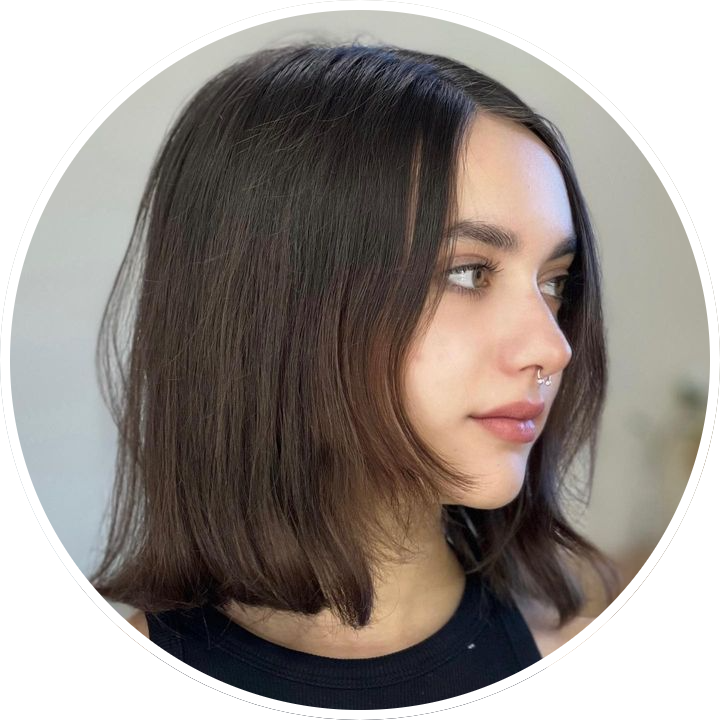 Using a circle profile image feels clean, modern. Rounded frames remove distracting corners, keep attention on the face, and look great at small sizes. Circles also create consistency because many apps already display avatars this way, reducing cropping and edges. The shape conveys friendliness and approachability while still appearing professional, which helps personal brands and businesses stand out and stay recognizable across platforms. Circle avatars are widely used on major social platforms including Instagram, Facebook, TikTok, X (Twitter), LinkedIn, YouTube, Pinterest, Snapchat, WhatsApp, Telegram, Discord, and Reddit. Choosing a circular profile photo ensures cohesive visuals your audience finds you online.
Most social media platforms display profile pictures in a circle. However, if you upload a square photo, you risk bad cropping. Our tool helps you create the perfect Round Profile Picture for:
- LinkedIn: Look professional with a centered, bright headshot.
- Instagram & TikTok: Stand out with a perfectly framed circular avatar.
- Twitter (X) & Facebook: Ensure your logo isn't cut off at the corners.