Batch Convert Images to Grayscale
Convert photos to black and white, resize to 1080px, and change format.
JPG, PNG, WebP, HEIC
The Ultimate Online Batch Grayscale & Resize Utility
Transforming color photographs into black and white (monochrome) is more than just removing saturation—it's about emphasizing texture, contrast, and emotion. The FPE Batch Grayscale Converter is a professional-grade web tool designed for photographers, archivists, and designers who need to process large collections of images instantly.
Whether you are creating a dramatic "Noir" aesthetic portfolio, preparing documents for laser printing, or standardizing e-commerce product shots, our tool offers a complete workflow: Convert, Resize, and Reformat in one go. Unlike basic filters, we give you full control over brightness and contrast to ensure your grayscale images retain depth and detail.
Why Choose FPE Grayscale Converter?
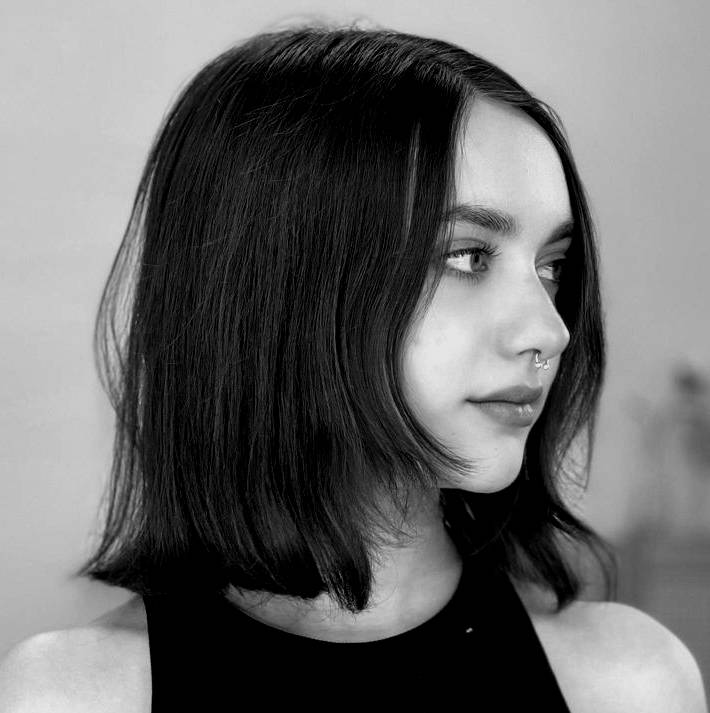
- High-Volume Batch Processing: Forget editing photos one by one. Drag and drop 50, 100, or more images at once. Our engine processes them sequentially in seconds, saving you hours of repetitive work.
- Native HEIC & WebP Support: Modern cameras and iPhones shoot in HEIC formats that many tools can't open. FPE automatically decodes and converts HEIC to Grayscale JPG locally in your browser, without requiring any software installation.
- Zero-Upload Privacy (Client-Side): Security is our priority. We use WebAssembly technology to process your photos directly on your device. Your personal memories, confidential documents, or client work never leave your computer. It's safer than cloud-based converters.
- Smart Resizing & Formatting: Preparing photos for Instagram or a website? Use the built-in Image Resizer to scale all outputs to a standard width (e.g., 1080px) while maintaining aspect ratio. You can also mass-convert PNGs to lightweight WebP files.
Real-World Use Cases
Printing & Document Archiving
Save colored ink and improve legibility. Convert scanned documents, receipts, or sketches to high-contrast grayscale before printing on standard laser printers.
Artistic & Street Photography
Create timeless art. Use the "Noir" preset to boost contrast and shadows, simulating the look of classic Kodak Tri-X or Ilford film stocks.
E-Commerce & Web Design
Create uniform catalog thumbnails. Desaturating product backgrounds or creating "inactive" state button images is effortless with batch processing.
Social Media Aesthetics
Maintain a moody Instagram feed. Resize your photos to 1080px width and apply a consistent "Faded" grayscale look to match your brand identity.
How to Convert Photos to Black and White in Bulk?
- Upload: Click the drop zone to select your files. We support JPG, PNG, WEBP, and HEIC.
- Adjust Style: Use the Contrast slider to pop the highlights or the Brightness slider to recover shadows. Or simply click a Preset like "Standard" or "Noir".
- Sync Settings: Click the Apply to All button to ensure every image in your batch gets the exact same visual treatment.
- Export: Choose your output format (JPG is best for photos, PNG for graphics) and set a target width if needed. Click "Batch Zip" to download everything in one organized archive.
Drop Images Here
to add to batch