Convert Picture to Pixel Art
Turn photos into 8-bit retro art or Minecraft blocks. Batch process with custom palettes.
JPG, PNG, WebP, HEIC
A Guide of Image to Pixel Art
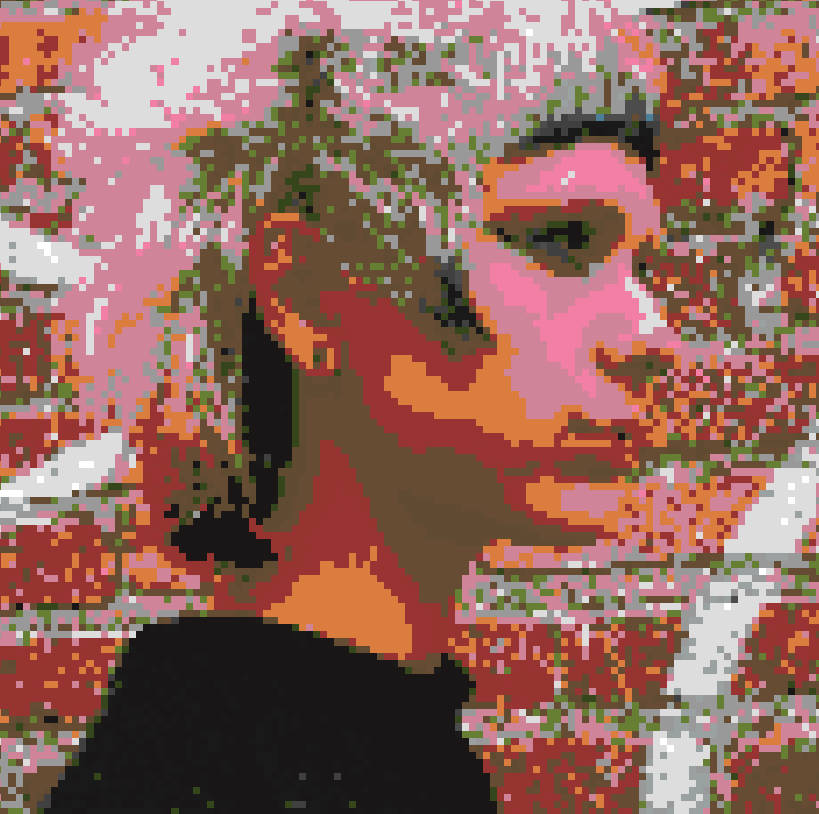
Pixel art is more than just a retro aesthetic; it's a precise digital art form where every dot matters. From the 8-bit nostalgia of the NES era to modern indie games like Stardew Valley, pixel art remains a beloved style. The FPE Pixel Art Converter is designed to bridge the gap between high-resolution photography and this blocky art style, offering a powerful, browser-based solution for artists, gamers, and crafters.
Why Use an Automated Pixel Art Generator?
Creating pixel art from scratch is time-consuming. Our tool automates the "downsampling" and "color quantization" process. Instead of manually placing thousands of pixels, you can upload any photo and instantly see it transformed into a grid of colored blocks. This acts as a perfect blueprint or starting point for further refinement.
Minecraft Map Art & Block Schematics
One of the most popular uses for this tool is creating Minecraft Map Art. By using our dedicated "Minecraft" Color Palette and setting the resolution to 128x128 (the size of a single in-game map), you can visualize exactly how your photo will look when built with blocks like Wool, Concrete, and Terracotta.
Simply upload your image, select the Minecraft palette, and use the "Show Grid" feature. You can then use the output image as a layer guide to build massive structures or floor patterns in your survival or creative world.
Resolutions Explained: 16x16 vs 32x32 vs 64x64
Choosing the right "Block Size" or grid resolution is critical for your project:
- 16x16 (Icon/Sprite Size): The classic "Mario" or "Minecraft Item" size. Very abstract. Only readable for simple objects like a heart, a sword, or a potion bottle. Use our [16x] preset button for this.
- 32x32 (Character/Avatar Size): Offers enough detail for a recognizable face or a complex icon. Standard for many SNES-era RPG characters. Use the [32x] preset.
- 64x64 and above (Portrait/Scene): Allows for shading, facial expressions, and background details. Best for converting actual photos of people or landscapes while keeping the "pixelated" look.
Crafting with Pixels: Perler Beads & Cross-Stitch
Physical crafts often rely on grid-based patterns.
- Perler Beads (Fuse Beads): Upload a cartoon character, reduce the colors using our palette tool, and enable the grid. Each pixel represents one bead.
- Cross-Stitch: Convert a complex photo into a manageable pattern. The "Edge Detection" feature can help outline the main subjects, making it easier to stitch the borders before filling in colors.
Privacy & Speed
Unlike server-side converters that queue your images, FPE uses WebAssembly to process everything on your computer. This means zero upload time, instant adjustments when you move sliders, and complete privacy for your personal photos.
Drop Images Here
to add to batch