Pixelate Image & 8-Bit Art
Turn photos into retro pixel art or censor sensitive images online. Batch processing supported.
Batch Upload Images
JPG, PNG, WebP, HEIC
Why Pixelate Images?
Pixelation is a versatile effect used for both artistic expression and privacy protection.
Whether you are creating 8-bit retro game assets or anonymizing a photo, our tool makes it instant and easy.
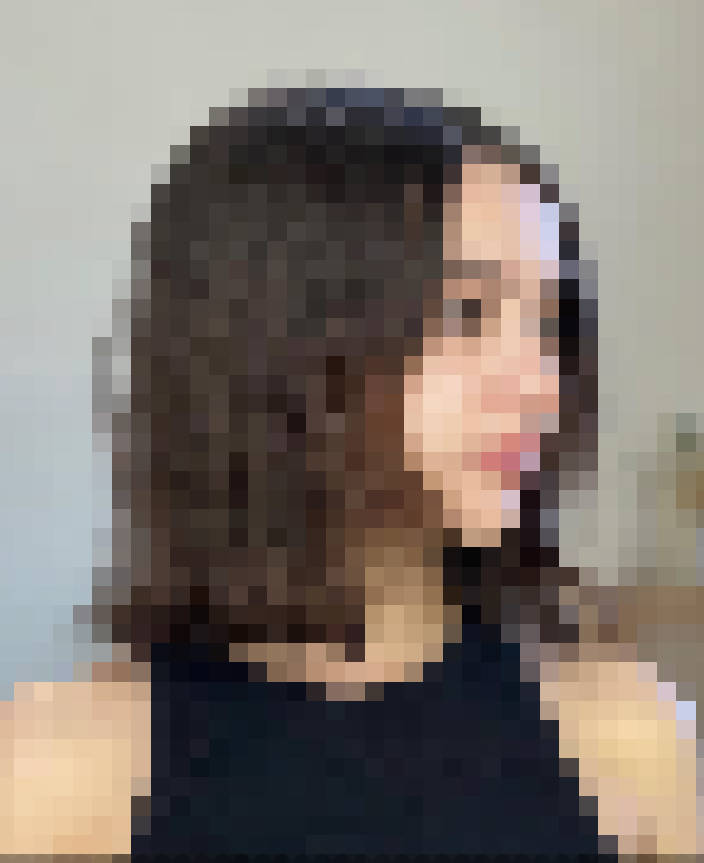
Common Scenarios
- 8-Bit Art Creation: Transform modern high-res photos into nostalgic, retro-style video game art. Great for avatars, game assets, or "glitch" aesthetic designs.
- Privacy Censorship: Quickly pixelate an entire image to hide the identity of people, locations, or sensitive documents before sharing online.
- Abstract Design: Use heavy pixelation to create abstract backgrounds, textures, or color palettes from existing photos.
- Development Assets: Game developers can use this tool to quickly generate low-res placeholders or sprite references.
How to Batch Pixelate?
- Upload: Select multiple images at once. The "Add (+)" button allows you to append more later.
- Adjust: Use the "Block Size" slider to control the level of pixelation.
- Sync: Click "Apply to All" to instantly use the current pixel size for all uploaded images.
- Download: Get a single ZIP file containing all your pixelated art.
Drop Images Here
to add to batch
Processing...